Three steps, then it runs itself
- 01
Build your page
Name, photo, sport, your lessons and camps. Minutes on your phone. It lives at you.localtrainer.app.
- 02
Share your link
Drop it in your Instagram bio, text it to a parent, post it in the team group chat. One tap lands them on your page.
- 03
Parents book in seconds
They pick a time from your hours, type a name and a phone number, done. No account to make.
The page your link should point to
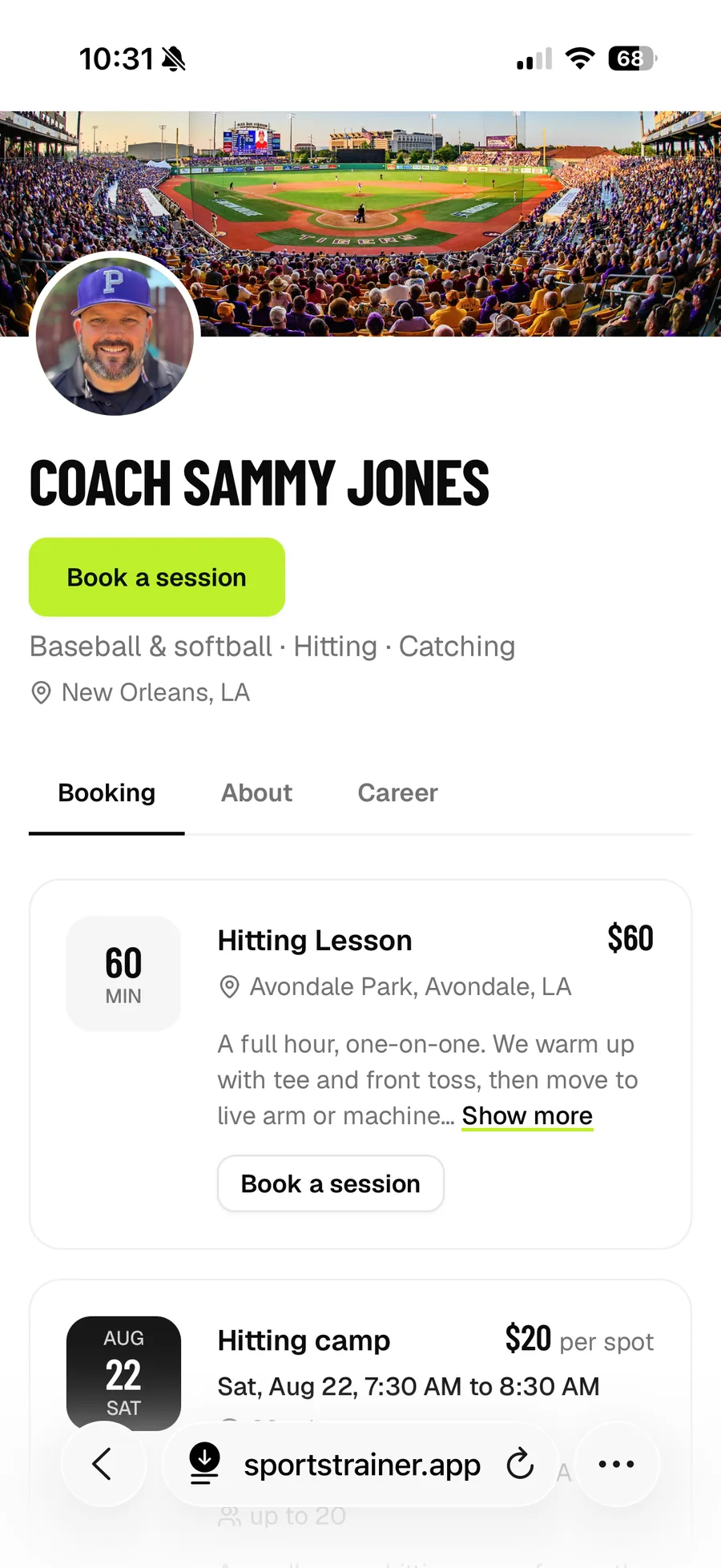
Cover photo, your face, what you coach, where, and every lesson and camp with a Book button. Parents see it exactly as you built it, on any phone.
- Your name or your business name
- Lessons and events on one page
- Bio, video, playing and coaching history
Booked before they put the phone down
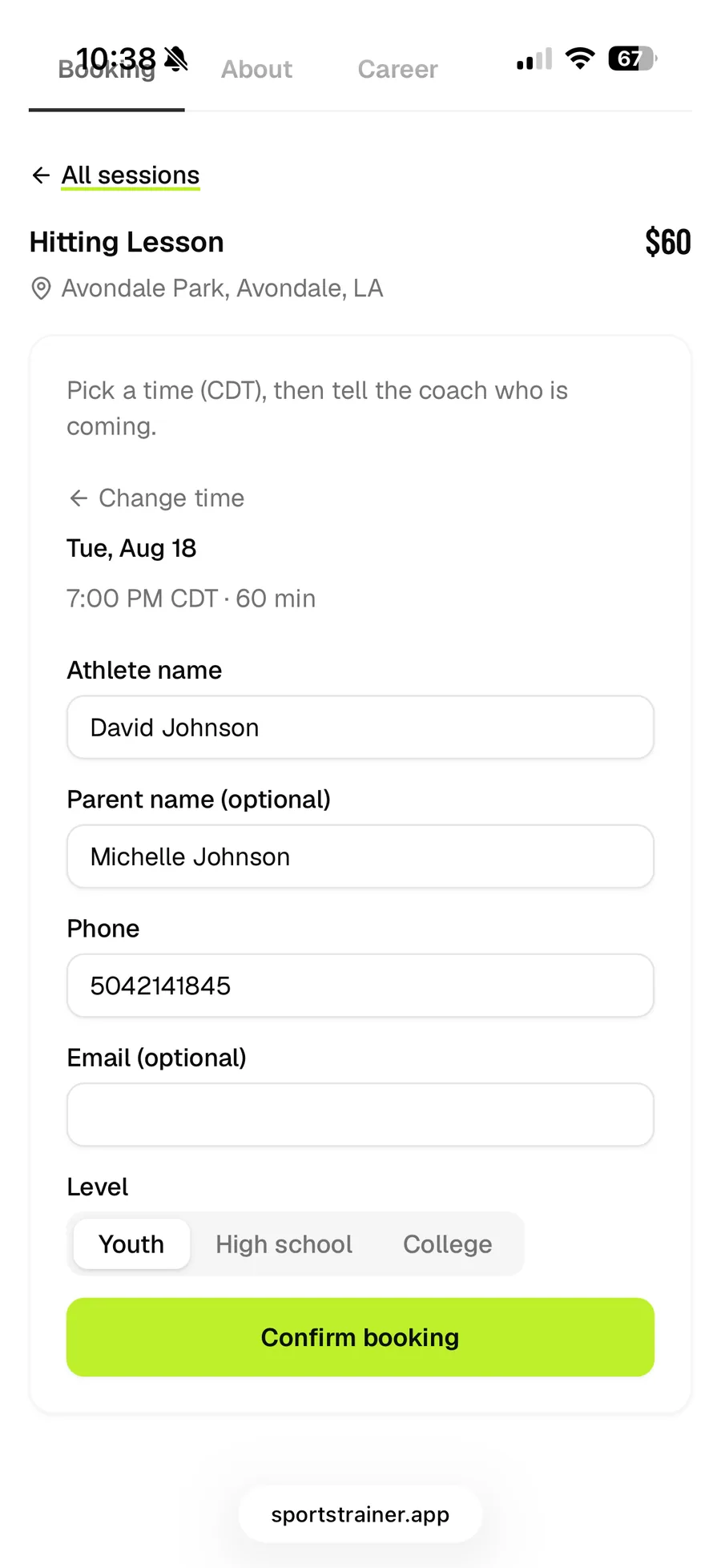
Parents pick from the times you actually have, on the half hour, and tell you who's coming. Athlete, parent, phone, level. Nothing else.
- Times come straight from your weekly hours
- Group lessons stay open until they're full
- Confirmation with calendar links, no login
Your week at a glance
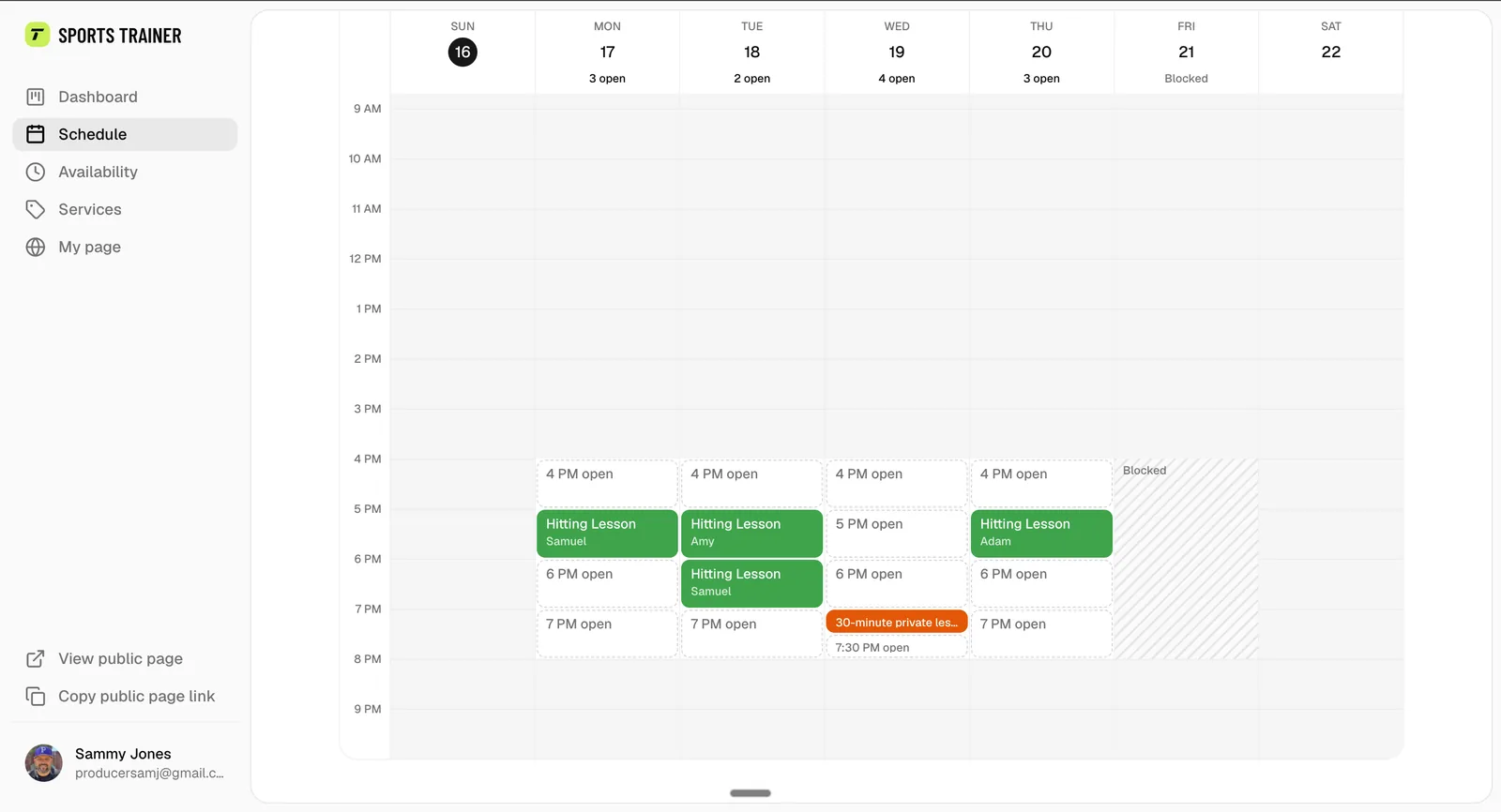
Booked sessions, open hours, blocked days, all on one calendar in your own colors. See exactly which spots are still open today and post about them.
- Open hours you can count and share
- Color labels per lesson type
- Phone view built for the field
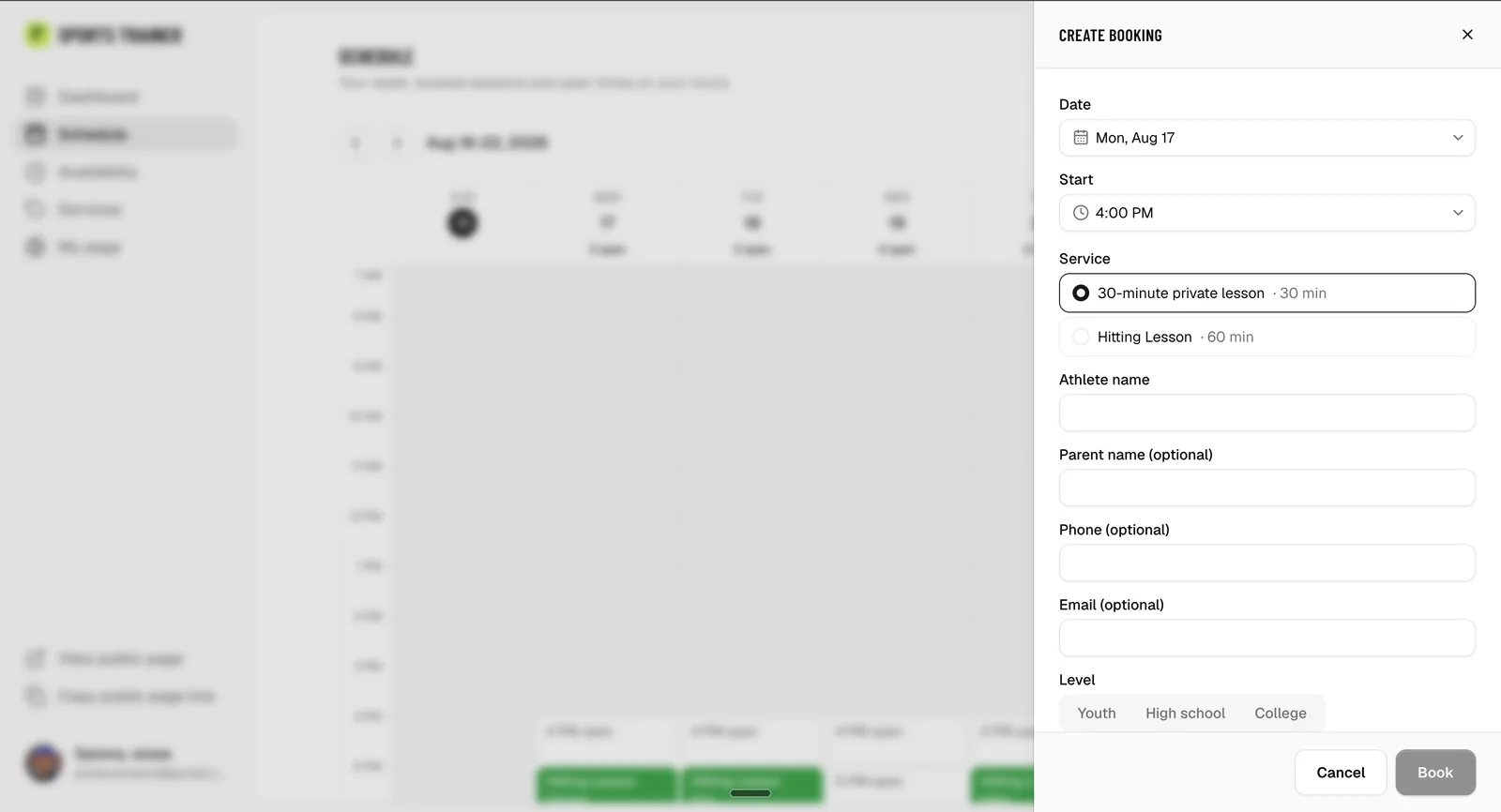
Someone calls? Put them right on the calendar
Tap the hour, type the athlete's name, done. Same rules as the public page, so you never double book, and you can book outside your posted hours when a family asks.
- Any half hour, in or out of your hours
- The family gets the same confirmation email
- Create a new camp from a click on a day
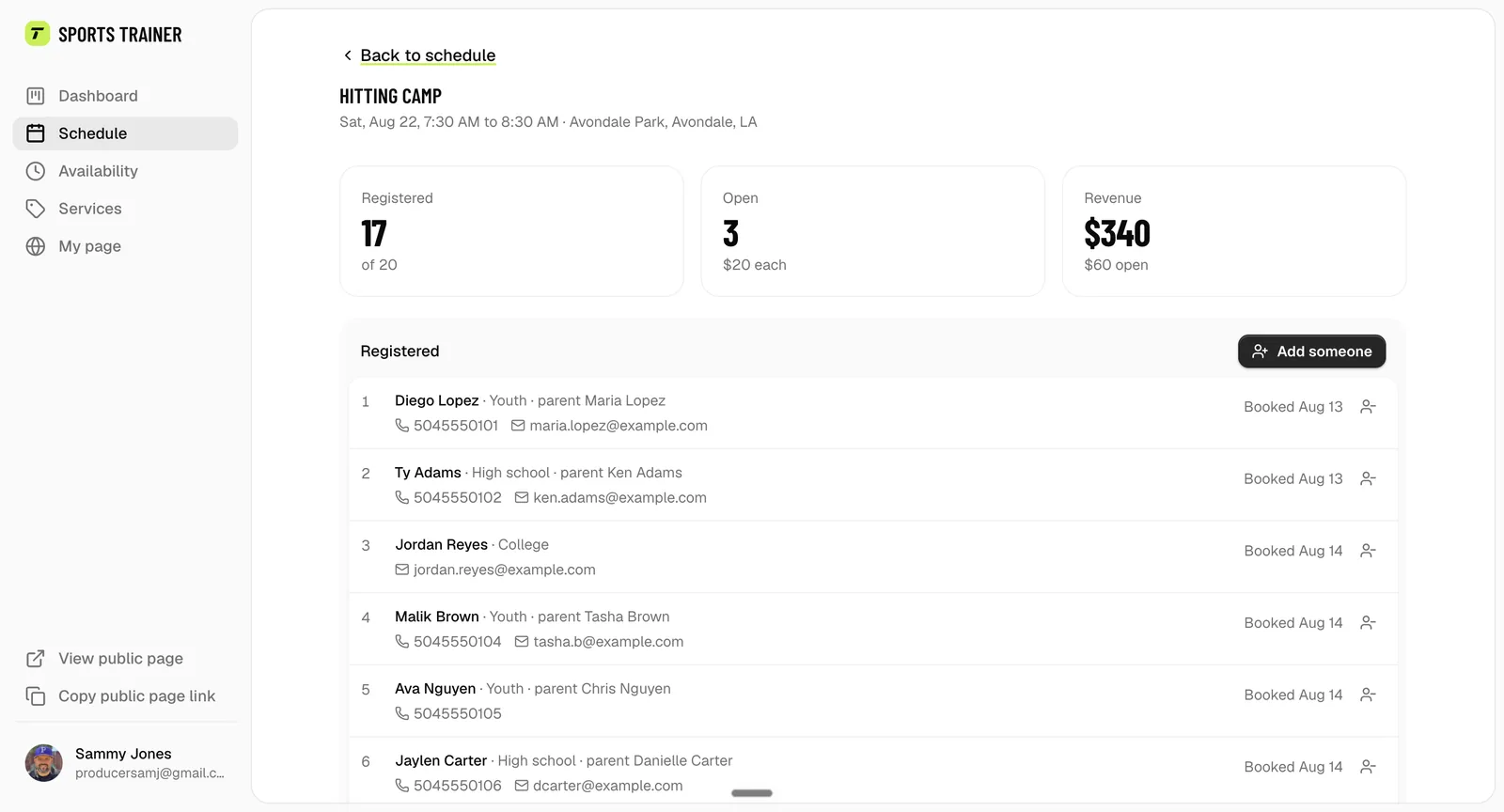
One page per camp, roster included
Set the date, the price per spot, and how many kids. Every registration lands on the camp's page: who's coming, how full it is, what it's earned, and add or remove families yourself.
- Registered, open spots and revenue at a glance
- Add someone by hand, remove with a notice
- Parents grab a spot in one tap
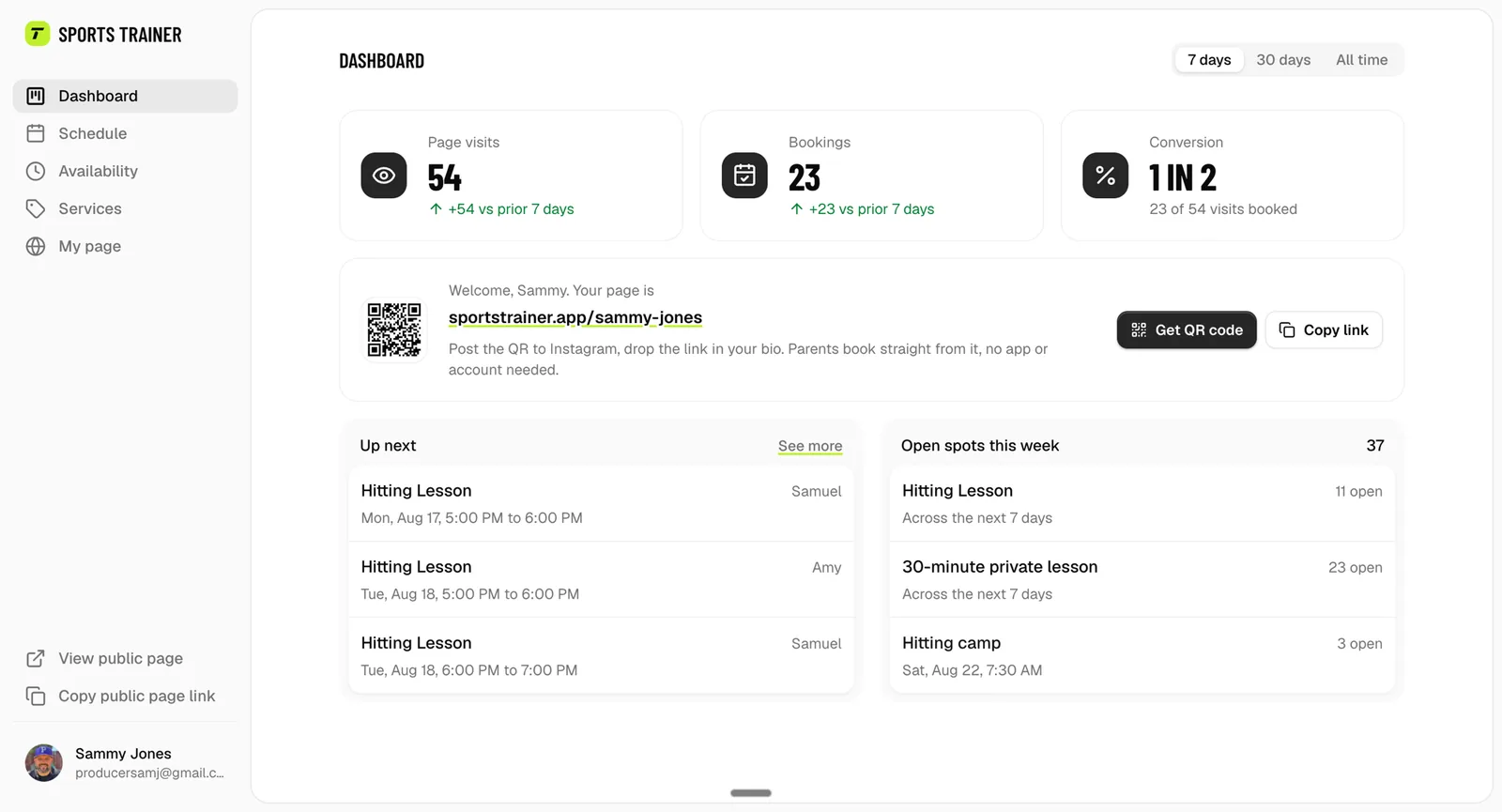
Is it working? See it in one glance.
Bookings and page visits over the last week or month, what's up next, how many spots are still open, and your link ready to share again.
- Visits, bookings, conversion
- Open spots this week
- Your link, one tap to copy